
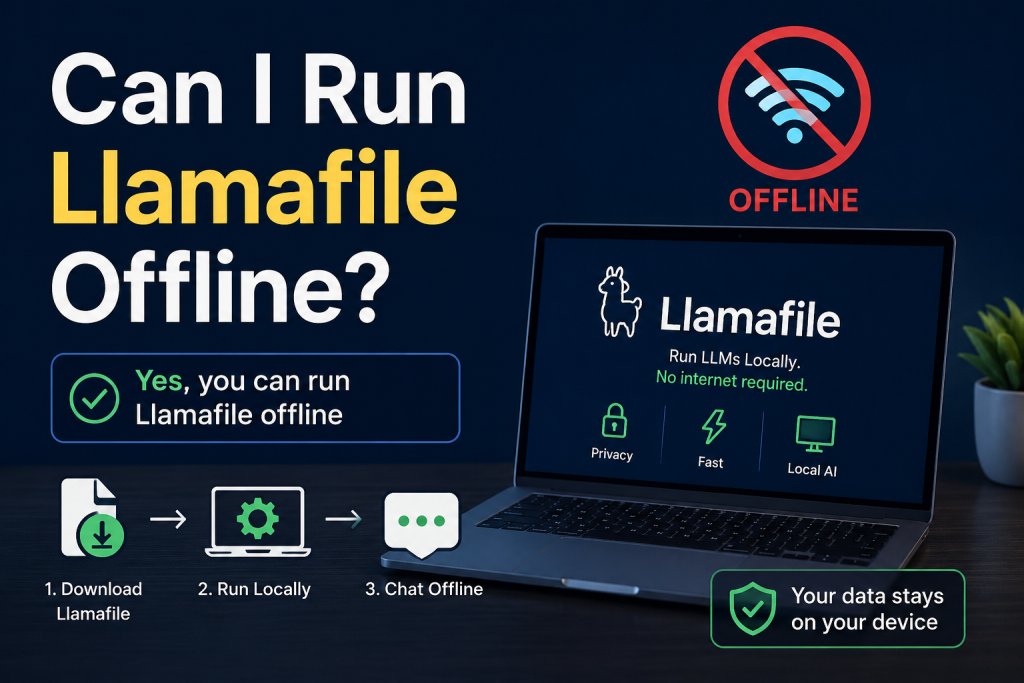
Yes, you can run Llamafile offline, and that is one of its biggest advantages. Llamafile is designed to let users run large language models directly on their own computer without needing an internet connection after setup. This makes it ideal for privacy-focused users, developers, and anyone who wants AI tools without relying on cloud services.
Once downloaded, Llamafile works like a portable AI system that runs locally on Windows, macOS, or Linux. In this article, we will explain how offline usage works, what you need to run it, its benefits, and limitations in a simple and user-friendly way.
Read More: Is Llamafile Free to Use?
What Is Llamafile?
Llamafile is an innovative way to run AI language models locally on your computer. Instead of using cloud-based AI services, it packages everything into a single executable file. This means you can download it once and use it like a normal application.
Key idea behind Llamafile:
- Combines model + runtime in one file
- Works without constant internet access
- Supports offline AI conversations and tasks
It is built for simplicity, making AI more accessible to everyday users and developers.
Can You Really Run Llamafile Offline?
Yes, Llamafile can run completely offline after the initial download.
Once you have downloaded the Llamafile executable, you do not need an internet connection to:
- Run the AI model
- Ask questions
- Generate text
- Perform local AI tasks
However, internet is only needed for:
- Downloading the Llamafile initially
- Updating to newer versions
- Downloading additional models (if required)
After that, everything works locally on your device.
How Offline Mode Works
Llamafile is designed using a self-contained system. This means it includes everything required to run AI models without external servers.
Step-by-step offline process
- Download the Llamafile executable (one-time internet use)
- Save it on your computer
- Double-click or run via terminal/command prompt
- The AI model starts locally
- You can chat or generate content without internet
This is similar to running a normal software application like a media player or text editor.
System Requirements for Offline Use
To run Llamafile smoothly offline, your system should meet basic requirements.
Minimum requirements
- Modern 64-bit CPU (Intel/AMD or Apple Silicon)
- At least 8GB RAM (16GB recommended for better performance)
- Enough storage space for model file (1GB–8GB depending on version)
- Supported OS: Windows, macOS, or Linux
Better performance tips
- Use SSD instead of HDD
- Close background applications
- Use smaller models if your system is low-end
Benefits of Running Llamafile Offline
Using Llamafile offline comes with several strong advantages.
Privacy and Security
Your data stays on your device. Nothing is sent to external servers.
No Internet Dependency
You can use it anywhere—even without Wi-Fi or mobile data.
Faster Response (in some cases)
Since everything runs locally, there is no server delay.
Free from Cloud Limitations
No API limits, no subscription restrictions, and no usage quotas.
Portable AI Tool
You can carry it on a USB drive and run it on different systems.
Limitations of Offline Usage
While offline mode is powerful, it also has some limitations.
Hardware Dependency
Performance depends on your computer’s CPU and RAM.
Larger File Size
Some models can be several gigabytes in size.
Lower Power Than Cloud AI
Offline models may be less powerful than advanced cloud-based AI systems.
No Real-Time Updates
You must manually download updates or new versions.
Who Should Use Llamafile Offline?
Llamafile offline mode is useful for:
- Developers testing AI applications
- Students learning AI and machine learning
- Writers needing offline content generation
- Privacy-focused users
- People in low-internet areas
If you want AI without relying on the cloud, this is a great option.
How to Improve Offline Performance
Here are some simple tips to get better results:
- Use lightweight models if your PC is slow
- Increase RAM if possible
- Run only one AI instance at a time
- Keep your system updated
- Use command-line mode for advanced control
Is Llamafile Offline Use Safe?
Yes, it is generally safe because:
- It runs locally on your device
- No external data sharing is required
- Open-source components allow transparency
Just make sure to download it from trusted sources to avoid modified versions.
Conclusion
Llamafile can absolutely run offline, making it a powerful and flexible AI tool for users who want privacy, speed, and independence from cloud services. Once installed, it works entirely on your computer without needing internet access for daily use. While it may not fully match high-end cloud AI performance, it offers a strong balance between convenience and control. If you want a portable and secure AI solution, Llamafile’s offline capability makes it an excellent choice for both beginners and advanced users.